Table Of Contents
- What Is The Amazon Vine Program?
- Amazon Vine Login: How To Access The Login Portal?
- What Are The Eligibility Requirements For Amazon Vine Login?
- Seller And Product Requirements
- How Vine Voices Are Chosen
- Products You Cannot Enroll In Vine
- The Review Insightful Score
- What Is The Fee Structure For The Amazon Vine Program?
- Fee Structure (Effective Oct 19, 2023)
- Key Rules To Remember
- How Vine Reviewer Tiers Affect Your Inventory
- The Enrollment Capacity By Account Tier
- How The Limits Work
- How Can You Enroll Your Products Through The Amazon Vine Login?
- Step 1: Access The Vine Program
- Step 2: Complete The Enrollment
- The Realistic Vine Timeline: What To Expect
- Step 3: Managing Your Vine Products
- What Are The Major Advantages And Disadvantages Of The Amazon Vine Login?
- The Big Advantages
- The Main Disadvantages
- How Can You Maximise The Amazon Vine Login Results?
- Your Immediate Next Step
A Step-by-Step Guide To Amazon Vine Login: Accessing Your Account Made Easy
Last Updated on: September 24th, 2026
Editor’s Note: The Amazon Vine fee changes and structural tiers detailed below reflect the latest official updates from Amazon Seller Central. E-commerce guidelines shift frequently; always verify your active dashboard metrics before committing capital to inventory enrollments.
When you are purchasing on Amazon, how do you choose a product?
You probably, like most people, go directly to the customer reviews. Actually, 98% of shoppers agree that the reviews play the most important role in their buying decisions.
The key to getting those first top reviews lies in the Amazon Vine program.
Just as with the authorized Meesho supplier panel login, this Vine program is a bridge between sellers and the most reliable reviewers on Amazon, also known as Vine Voices.
They provide unbiased, in-depth reviews to help your product gain more attention.
If you want to find out more about the prices, requirements, or strategies for the Amazon Vine login, we can guide you through the entire process!
What Is The Amazon Vine Program?
Amazon Vine is a program in which Amazon selects only trusted reviewers from the highly rated ones who have given great feedback over a long period.
They pick their members based on their consistent honesty, helpfulness, and thoroughness in their product reviews.
Sellers enroll products with fewer than 30 reviews via the Vine dashboard. They give the items to these ‘Vine Voices’ for free so that they can try and review them.
Once the review goes live, it displays a green badge indicating it is a Vine review.
This special marking signals to customers that the comments come from an officially recognized program, thereby fostering trust and enhancing the credibility of your product page.
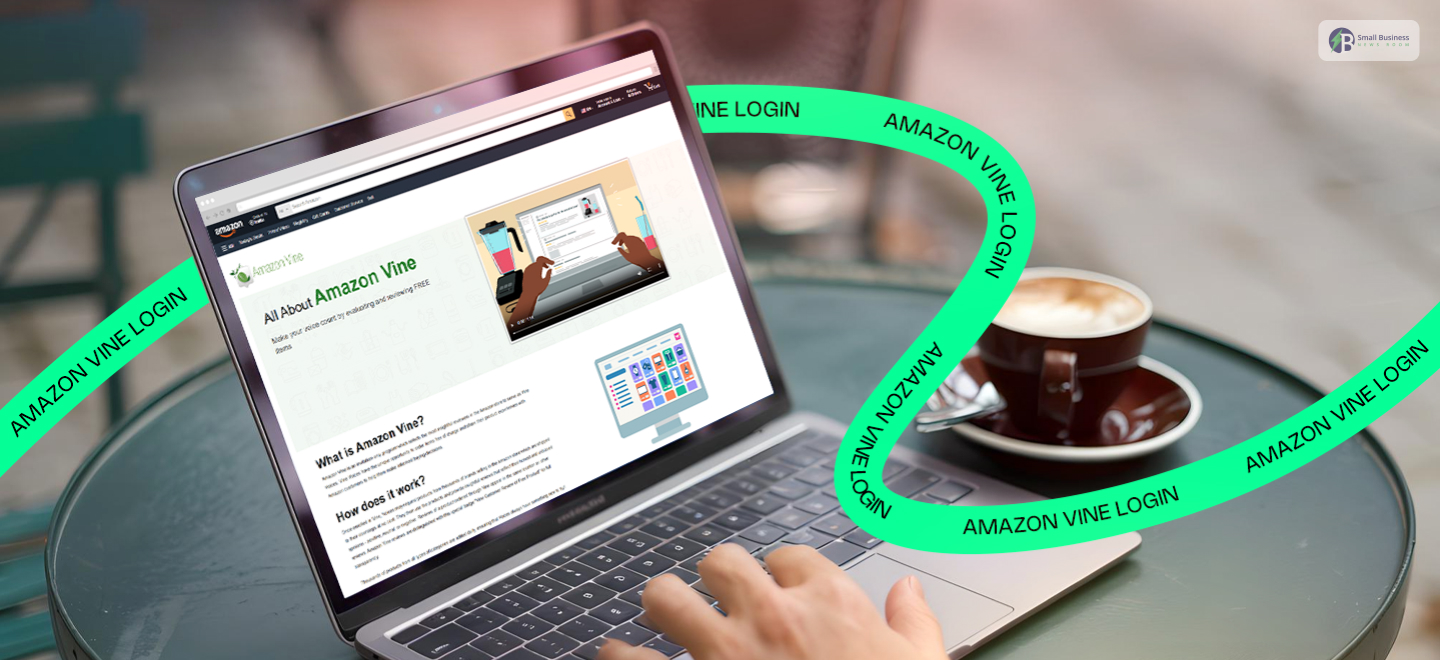
Amazon Vine Login: How To Access The Login Portal?

First of all, enter your username and password and log in to Amazon Seller Central.
After that, on the main dashboard screen, locate the top menu and hover over the Advertising tab to open it, which will give you more options.
Next, if you see the drop-down list, click Vine to open the program’s main page.
The dashboard gives you an overview of all your current enrollments and lists products Amazon recommends you enroll in based on their performance.
If you want to check a specific product, use the search box and enter the item’s ASIN.
The system will then show you the enrollment status for that item, and if new submission slots are available, it will indicate that as well.
What Are The Eligibility Requirements For Amazon Vine Login?
In order to partake in the Amazon Vine program, you must keep a Professional Selling account active.
This program helps brands build trust through customer feedback. However, your account and products must both meet certain criteria.
Seller And Product Requirements
First of all, you must be the brand owner and be successfully registered in the Amazon Brand Registry.
To ensure the goods are perfect for testing, they must be “New” only.
- Review Limits: Products with fewer than 30 reviews are eligible. If your item currently has 28 reviews, you can only add 2 more reviews via the Vine program.
- FBA Onsite: At present, you cannot sign up if you are, or have ever been, a participant of the FBA Onsite program.
- Quality Of The Listing: Your listing should include at least one picture and a detailed description so reviewers can find the information they need.
- Stock & Buy Box: You must have enough stock on hand and currently hold the Buy Box for that product.
How Vine Voices Are Chosen
Amazon personally selects customers, aka Vine Voices, to give their opinion on your products.
They are not just regular shoppers; they are invited based on a strong history of publishing helpful, honest, and informative reviews.
- Trustworthy Feedback:
Amazon selects reviewers with a track record of verified purchase reviews, ensuring they have real experience with the items they test.
- Account Health:
To stay in the program, these reviewers must keep their accounts in good standing and strictly follow all community guidelines.
- The 60% Rule
Vine Voices are now required to maintain a 60% review completion rate.
This can help you remain active in the program (this is an automated quality threshold up from the previous 50% limit).
- The Conversion Metric
You can add this highly compelling data point to your intro:
“Enrolling a listing in Amazon Vine can skyrocket conversion rates up to 270% compared to listings with zero customer feedback.”
- Global Footprint
Mention that the program is no longer just US/Japan centric.
It officially operates across 12 global countries including India, the UK, Germany, Canada, Australia, Spain, Brazil, France, Mexico, and Italy.
Products You Cannot Enroll In Vine
Even if you have a Professional account, Amazon strictly prohibits enrolling the following items:
- Hazmat or Bulky Items: Heavy items or products requiring special handling or transportation.
- Bundles/Sample Packs: Split packs or items that require reviewers to buy a separate product to use it (e.g., a printer cartridge without the printer).
- Liquid or Perishable Goods: Certain grocery or liquid items that violate FBA standard storage rules.
- Adult Products: Items categorized under adult novelty or other restricted categories.
The Review Insightful Score
Amazon continuously grades its Vine Voices using an automated metric called the Review Insightful Score. Reviewers are evaluated across four strict performance tiers:
- Excellent
- Good
- Fair
- Poor
Reviewers must continuously maintain an Excellent or Good score to preserve their high-volume review status.
This internal screening ensures that the feedback your product receives is detailed, thorough, and highly authoritative.
What Is The Fee Structure For The Amazon Vine Program?

When you join Amazon Vine, charges will be made per Parent ASIN. Hence, you are allowed to get multiple child ASINs in one enrollment without paying extra.
Fee Structure (Effective Oct 19, 2023)
Your total cost depends on the total number of units that you opt for enrollment:
- 1-2 Units: $0 (Free)
- 3-10 Units: $75
- 11-30 Units: $200
Key Rules To Remember
The billing is quite simple, but it depends on your initial setup. Amazon will charge the fee 7 days after your first Vine review is published.
Remember that older enrollments made before October 19, 2023, still have the original $200 flat fee.
Enrolled vs. Claimed: You are billed for units based on the number of those you enroll, not on how many reviewers actually claim them.
Tier Adjustments: Changing a tier is only possible if none of the units have been claimed thus far.
Once a reviewer has claimed a product, you are no longer allowed to change tiers. You can only stop the enrollment.
| Examples in Practice: Example 1: If you enroll in 3 units, you pay $75 once the first review appears. Example 2: Enrolling in 2 units costs $0, even for a parent ASIN with many children. Example 3: If you enroll in 4 units but only 2 are claimed, you still pay $75 because your initial enrollment tier was for 3–10 units. |
How Vine Reviewer Tiers Affect Your Inventory
Sellers should note that Vine Voices operate under two distinct structural tiers, which heavily impact how quickly your products are claimed.
- Silver Tier Reviewers: These members can only claim up to 3 items per day and are strictly capped at products valued under $100.
- Gold Tier Reviewers: These elite reviewers can request up to 8 items per day with no product price limits.
If your product retails for over $100, it will be visible only to Gold Tier reviewers, so it may take slightly longer to be fully claimed, depending on active category demand.
The Enrollment Capacity By Account Tier
Getting your products into the Amazon Vine Program is a great way to build customer trust through honest reviews.
The number of products you can enroll in at one time depends on which tier you choose:
| Tier | Product Enrollment Limit |
| Basic | Up to 5 products |
| Plus | Up to 10 products |
| Premium | Up to 20 products |
How The Limits Work
The system works to prevent your queue from getting stuck.
You can put a new product on your list as soon as the previous product either reaches its review goal or has been in the program for 90 days.
Once a product reaches its maximum number of reviews, it is immediately removed from your active list.
This creates a new spot right away that you can use to enroll a new ASIN and continue with the same pace.
Are you ready to get going? Here’s how you can sign up for the program and start racking up those reviews.
How Can You Enroll Your Products Through The Amazon Vine Login?
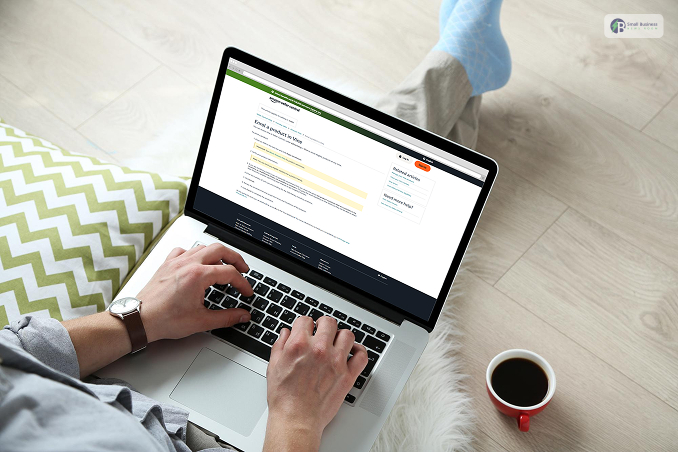
The Amazon Vine enrollment process may seem a little confusing at first glance, but it’s actually very easy for beginners.
Even if you are not familiar with Amazon systems, you can easily understand and finish the given steps.
Initially, you need to ensure that you meet the basic criteria. The very first requirement is that you have to be on a Professional seller plan.
Besides, your brand should be registered in the Amazon Brand Registry and approved.
Lastly, your products should comply with Amazon Vine’s product guidelines. When everything is set, you can start.
Follow the instructions below to register for Amazon Vine!
Step 1: Access The Vine Program
The Amazon Vine enrollment process may seem a little confusing at first glance. However, it is very easy for a beginner.
Even if you have no idea about Amazon systems, you can easily follow and complete the suggested steps.
First of all, you have to be sure that you satisfy the fundamental criteria. The very first requirement is that you must be on a Professional seller plan.
Moreover, your brand should be registered with the Amazon Brand Registry and approved.
Finally, your products must comply with Amazon Vine’s product guidelines. When you have everything, you can go ahead.
Follow the steps below to sign up for Amazon Vine!
Step 2: Complete The Enrollment
Finally, click “Enroll.” Take a moment to review the Vine program’s terms and conditions. Once done, click “Enroll” again to submit your application.
You’ll then see a confirmation message indicating that your enrollment has been successfully submitted.
The Realistic Vine Timeline: What To Expect
Don’t panic if your reviews don’t appear overnight. Here is the typical operational flow:
- Days 1–7: Your products appear on the Vine Voice dashboard. Reviewers claim them based on interest.
- Days 7–14: Amazon ships the items to the reviewers via standard FBA logistics.
- Days 14–45: Reviewers test the product. Most Vine reviews go live within 30 to 45 days of the initial enrollment date.
Seller Pro-Tip: Do not rush this step! Double-check that your inventory counts are completely accurate before hitting “Enroll.”
If you accidentally input 30 units instead of 3, you cannot change the tier back once a single item is claimed, which will lock you into the $200 fee tier.
Step 3: Managing Your Vine Products
After enrollment, you can manage everything from your Vine dashboard.
The dashboard shows your most recent enrollments right away, while older ones can be found by searching for the product’s ASIN or SKU.
From here, you can:
- Track the status of Vine orders and reviews
- Cancel active enrollments if needed
- View important details such as enrollment dates and available units
Monitor how many units have been claimed and how many Vine reviews have been published
Overall, Amazon Vine is straightforward once you understand the flow.
By following these steps carefully, you can enroll your products with confidence and start collecting valuable customer feedback.
Also Check:
What Are The Major Advantages And Disadvantages Of The Amazon Vine Login?
Getting into the Amazon Vine program can feel like a total game-changer for your brand. If you want to boost your sales, you need to know the ups and downs.
The Big Advantages
First, let’s talk about the perks. When you join, you get reviews from “Vine Voices.” These are top-tier reviewers who provide very detailed, honest feedback.
Because their reviews are so informative, they help customers on the fence make a purchase.
Additionally, these reviews are great for your own growth. The feedback helps you find weaknesses in your items so you can fix them.
Since most shoppers trust products with plenty of feedback, having these reviews also drives way more traffic to your listing. It makes your shop look busy and trustworthy.
The Main Disadvantages
However, there are a few bumps in the road. For starters, the program is only for Brand-Registered sellers in specific countries, such as the USA, Canada, and Japan.
Money is another factor. You have to give your products away for free, and there are often enrollment fees. You really need to check your budget first.
Lastly, be ready for the truth. Vine reviewers don’t have to be nice. If your product has flaws, they will say so.
You can’t just delete a bad review because you don’t like it. Instead, you have to listen to the critique and use it to improve your brand.
How Can You Maximise The Amazon Vine Login Results?
Here are some easy steps on how to increase your sales and keep customers satisfied:
Price your products competitively before launching any sales promotion or advertising.
It is a must because almost all customers (93%) check for the price first, then decide whether to buy.
Afterward, make your product descriptions visually appealing and easy to understand. Provide descriptive product titles and use bullet points to list features.
High-quality product photos can also convince customers, as they can see exactly what they are buying.
Meanwhile, visit your competitors’ websites to get ideas about the questions customers raise. Answer these questions in your product description so the customer doesn’t even have to ask.
Later, customer service should not work only when your customers are already facing issues.
It is better to always reply quickly to incoming customer messages so that the exchange is without waiting.
Acting quickly and being helpful can be a powerful advertisement and trust-building tool for your brand.
Moreover, it is wise to start on a small scale. Try sending in only a limited number of products initially to gauge their acceptance.
Later, if you get positive reviews and the products are selling out, you could consider increasing the quantity of the merchandise.
To conclude, one thing that people often overlook is customers’ reviews. If people say nice things about your products, then you are on the right track.
Whether it is praises or complaints, it is always good to listen and then use the feedback for product development and further marketing.
Your Immediate Next Step
If you are hesitant about the upfront costs, take advantage of Amazon’s low-risk entry tier. Enroll exactly 2 units of your newest parent ASIN today.
This costs you $0 in enrollment fees, requires minimal free inventory, and lets you test the speed and quality of Vine Voice feedback completely risk-free before scaling your budget.