Table Of Contents
- How Can You Log In To MCA V3?
- Step 1: Start Your Journey
- Step 2: Choose Your User Category
- Step 3: Identify Your Role
- Step 4: Fill In Your Details
- Step 5: Verify And Secure
- And Done!
- Why Do You Need MCA V3 Login?
- Compulsory E-Filing
- Verifying Identity & Security
- Digital Signatures (DSC) Integration
- Compliance Management
- Things That You Need For The DSC Registration On MCA V3
Understanding The MCA V3 Login: A Comprehensive Guide For Users
This guide will walk you through the step-by-step procedure to create a business user account on the MCA V3 login portal of India.
The process includes registering, creating a digital identity, completing your profile, and picking an avatar! This can further enhance digital security and access to the V3 portal.
Once you have completed these steps, you will be able to create a Business user Account easily, which will help in filing and compliance efficiently.
The guide will also highlight the importance of accuracy, digital security during the protection of login credentials,s and the Digital Signature Certificate or DSC.
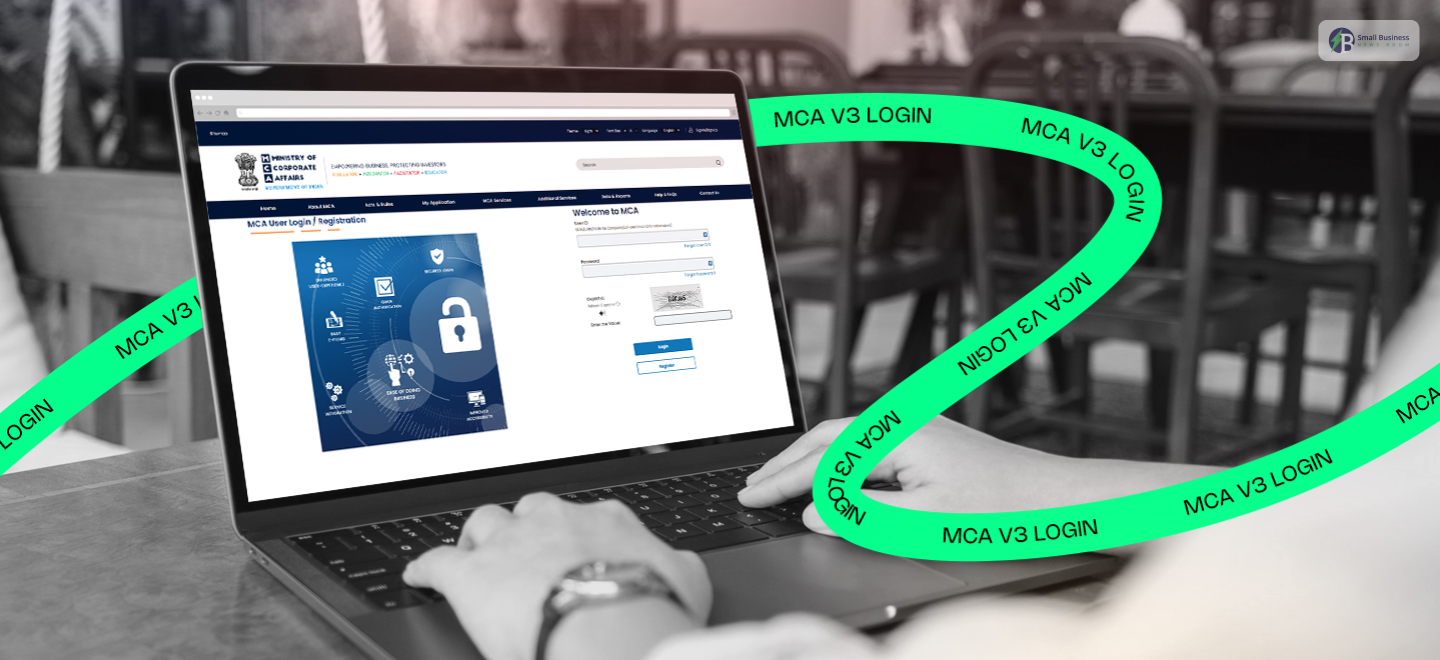
How Can You Log In To MCA V3?

Government portals can be very confusing to navigate, but creating an account with the Ministry of Corporate Affairs (MCA) in India is easier than you might think.
The MCA V3 login portal still serves as the main entry point for smooth corporate filing as of 2026.
Just follow this guide to make your Business User account and cut down on your compliance journey.
Step 1: Start Your Journey
The first thing you need to do is visit the official MCA website. The “Sign In/Sign Up” button will be located in the top-right corner of the homepage.
Since you are creating a new profile, click on “Register” at the very beginning to start the process of enrollment.
Step 2: Choose Your User Category
After you open the registration page, you will be presented with two primary options.
Select the “Business User” radio button. This category is solely for stakeholders who need to file forms and handle corporate identities.
Step 3: Identify Your Role
After selecting Business User, you need to specify your role. From the dropdown menu, choose the type of applicant that fits you, such as “Director” or “Designated Partner.”
The portal will then ask you to enter your Director Identification Number (DIN) and Permanent Account Number (PAN) for verification.
Step 4: Fill In Your Details
Next, input your personal and professional data according to the prompts. Make sure to enter every piece of information correctly.
This can help you to prevent any errors during filing in the future. After you have completed all the mandatory fields, press the “Create Account” button.
Step 5: Verify And Secure
Your registration will be completed only when your contact information is authenticated.
The system generates two One-Time Passwords (OTPs), which will be sent to your mobile number and your email address, which are registered with us separately. You will be required to enter these codes exactly to verify your identity.
And Done!
You are now in full possession of the MCA V3 portal. Access to forms and submission of filings has been made simple for you.
Just a reminder: keep your login details and Digital Signature Certificate (DSC) secure, as they are your entry into the V3 realm.
Also Check: The Evolution Of PNB HRMS 2.0: Transforming Human Resource Management In Banking
Why Do You Need MCA V3 Login?

In 2026, any individual or business entity that must comply with the Companies Act or the LLP Act must have an MCA V3 login.
It is through this account that all these activities on the digital platforms, including the company’s existence and the filing of documents yearly, are conducted. The need for an MCA V3 login is primarily because of the following reasons:
Compulsory E-Filing
The transition from the older V2 portal to V3 was completed on July 14, 2025. Exclusively for the V3 system, all 38 main company forms.
You can now file annual returns (MGT-7/7A) and financial statements (AOC-4) only through the V3 system.
Verifying Identity & Security
The V3 portal uses the most secure protocols, including multi-factor authentication.
This includes one-time passwords (OTP) sent via email and text messages to mobile phones, so that only authorized people can view the records.
Digital Signatures (DSC) Integration
You have to link your Digital Signature Certificate (DSC) with your V3 Business User account before they allow you to file documents. A DSC is an electronic signature that:
- Confirms the identity of the signer.
- Guarantees the authenticity and integrity of the data contained in the forms, i.e., they cannot be altered after signing.
- Provides non-repudiation, thus legally binding the signer to the document.
Compliance Management
A “My Application” dashboard has been made available to each user. Through this, one can
- Check the current status of his/her filings,
- Make a list of pending tasks
- Get automatically notified when deadlines are approaching.
You can get your DSC from any certified Certifying Authority (CA), such as Capricorn CA, to make your digital identity ready for the V3 environment.
Things That You Need For The DSC Registration On MCA V3
Before registering your Digital Signature Certificate (DSC) on the MCA V3 portal in 2026, make sure you have the following essentials ready for smooth installation:
Class 3 DSC: A valid Class 3 individual-based DSC signifying the signing certificate is a must.
USB Token: The USB token device that you use for the signature should be plugged into your computer.
Software Readiness: The latest version of Java (usually Java 8 update 181 or higher) and the MCA DSC utility (emSigner/emBridge) should be installed on your Windows PC.
Access to Portal: Use your active MCA V3 Business User credentials to log in. If you do not have an account, you can register by providing your mobile number and email.
Role Selection: Be clear about your specific role, whether it be Director, Professional, or Authorized Representative, so that your DIN or PAN is correctly connected.
By having all these items ready, your digital identity will be fast-tracked for secure e-filing.
Additional Resource: Complete Guide To The sales.hpcl.co.in Portal — HPCL Business & Sales Portal Explained