Table Of Contents
- Step 1: Define Your Niche And Product
- What Etsy Generously Allows
- What You Absolutely Cannot Do
- Your First Mini-Task
- Step 2: Establish Business Foundations
- Pick A Practical Shop Name
- Establish Geo-Parameters And Legal Requirements
- Set Up Finances
- Step 3: Open And Configure Your Etsy Storefront
- Create Your Account
- Set Up Shop Preferences
- Step 4: The Zero-Inventory Method (Using Printify)
- How Printify Works Internally
- Navigating The Printify Catalog
- Designing Via The Mockup Generator
- Step 5: Connect Printify With Your Etsy Store
- Step-By-Step Integration Guide
- Publishing Draft Listings
- Disclosing Production Partners
- Step 6: Create Profit-Driven Product Listings
- Capture Bright, High-Quality Visuals
- Build A Smart Pricing Strategy
- Step 7: Master The Basics Of Shop Optimization And Marketing
- Demystify On-Platform SEO
- Understand Platform Visibility Elements
- Promote Beyond The Platform
- Step 8: Understanding Your Fees And Payouts
- The Basic Fee Structure
- 2. Managing Your Cash Flow
- 3. Offsite Ads Fees
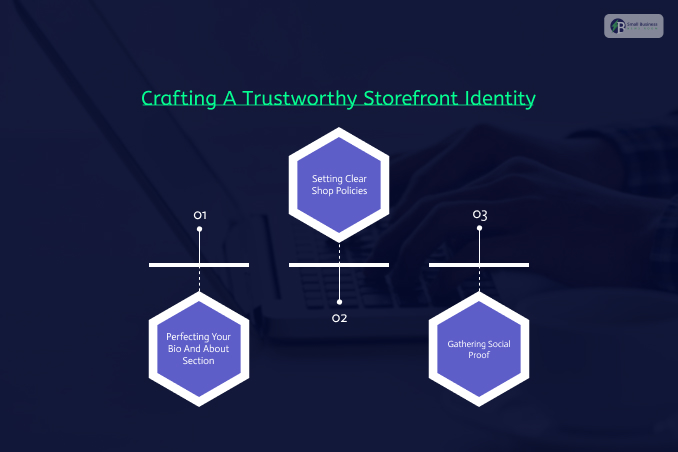
- Step 9: Crafting A Trustworthy Storefront Identity
- Perfecting Your Bio And About Section
- Setting Clear Shop Policies
- Gathering Social Proof
- Step 10: Building Long-Term Growth And Activity
- The Importance of Regular Activity
- Leveraging Dedicated SEO Tools
- Staying Patient Through The Early Phase
Turn Creative Ideas Into Profit: Ultimate Guide On How To Start An Etsy Shop (2026 Guide)
Have you ever stared longingly at a handmade candle, a custom t-shirt, or a digital planner and thought, how nice it would be to create and sell something like that?
If you have, you are currently in possession of an incredibly lucrative opportunity of a lifetime!
The global creator economy is thriving for the first time ever, and never has there been a better moment to tap into your creative passions and turn them into an online business channel.
When it comes to selling unique, artistic pieces, one marketplace stands miles above the rest.
With 95 million active buyers seeking unique items, learning how to start an Etsy shop is a surefire way to reach a wide customer base.
However, the more you research online, the more you get confused between articles claiming that you need a master’s degree in search algorithms to learn how to start an Etsy shop and others telling you that it is a magical “passive income” maker that runs on autopilot.
Let us clear the air! Learning how to build a successful business does not require a steep learning curve, a large initial investment, or a degree in engineering.
It simply requires a plan, proper execution, and focus on a specific geography.
Whether you are making products in your home studio or working with global print-on-demand fulfillment services, this step-by-step guide will walk you through the process cleanly and calmly.
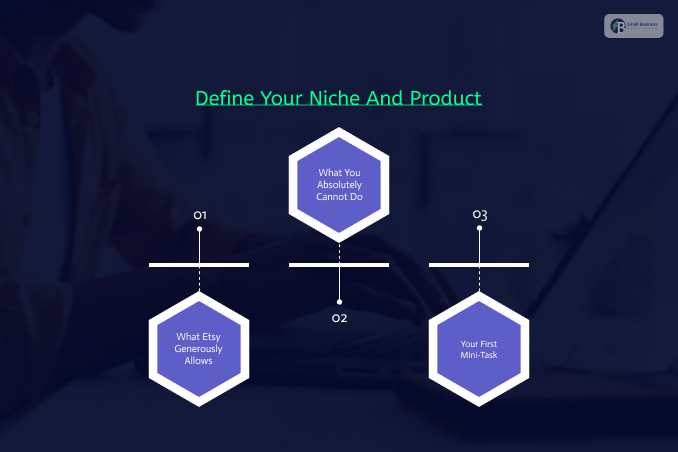
Step 1: Define Your Niche And Product
Before you start playing around with fonts and logos, you need to answer the most important question of them all – what are you going to sell?
What Etsy Generously Allows
The marketplace hosts a variety of unique items, but unlike big commercial marketplaces, Etsy has some restrictions about the types of items that can be sold on the platform. Etsy generally allows four types of items:
Handmade Goods: Items that are physically constructed, assembled, or finished by the seller.
Think soy candles, custom silver jewelry, hand-woven crochet cardigans, or unique ceramics.
Designed by You: Designs and artwork that are created or designed by you and can be sold in an instant download format or with the help of print-on-demand resources like Printify.
Vintage / Handpicked Finds: Items that are guaranteed to be at least 20 years old and have a unique character or historical value.
Craft Supplies: Materials, tools, or blanks that are specifically used for the creation of other handmade items.
What You Absolutely Cannot Do
You cannot buy cheap mass-produced items at wholesale discount sites, put your own label on them, and sell them as handmade items.
The marketplace is increasingly cracking down on these activities, and new shops that engage in them get permanently banned.
Your First Mini-Task
To keep you focused, write a business roadmap in the following format:
I sell [type of product] for [type of customer] who want [the specific vibe or result].
e.g., “I sell minimalist gold jewelry for everyday use,” or “I sell printable planners for busy parents who want to stay organized.” Choose one area of concentration and save the others for later.
Step 2: Establish Business Foundations
Taking the time to do a little legwork today will save you from major headaches tomorrow.
Pick A Practical Shop Name
Your online storefront name acts as a brand ambassador and needs to be unique, easy to search for, and memorable.
It needs to be between 4 and 20 characters, with no special characters or spaces.
Set aside an hour, browse cross-platform social networks like Instagram and TikTok to see if the handles are available, and set it up.
Establish Geo-Parameters And Legal Requirements
Depending on your location, some requirements might apply:
United Kingdom Sellers
Make sure the company name you choose on Etsy is available in the Companies House database.
If you plan to sell cosmetics, toys, or candles, make sure you are complying with UK safety directives or labeling laws.
United States Sellers
Check the relevant state business registry database.
Also, make sure you understand any regional sales tax liabilities and whether your local municipality requires a basic home business license.
Set Up Finances
Don’t mix your morning bread money with your Etsy sales revenue. Set up a separate financial “pot” or a bank account for the business.
Also, set up a separate email address during registration to avoid spam in your personal inbox.
Step 3: Open And Configure Your Etsy Storefront

With your identity established, it is time to jump onto the marketplace and open up an official shop account.
[Sign Up on Etsy] ➔ [Set Shop Preferences] ➔ [Submit One Placeholder Listing] ➔ [Complete Identity Check]
Create Your Account
Go to the homepage, click Register, and verify your email. Clicking the “Sell on Etsy” tab will open your getting-started page.
Note that, depending on your geography and level of verification, you may be charged a small one-time shop setup fee (usually between $15-$29).
Set Up Shop Preferences
Be particularly careful when setting up your Shop Language, as this will determine your search indexes.
Set your Shop Country to determine your tax liabilities and shipping logistics.
Finally, match your Shop Currency to the currency in your local bank account to avoid a 2.5% recurring currency conversion fee during payouts.
Step 4: The Zero-Inventory Method (Using Printify)
If you are wondering how to start an Etsy shop with very little expense, the print-on-demand (POD) method of selling products with Printify is your best bet.
It completely eliminates the need for inventory space or storage boxes.
How Printify Works Internally
With Printify, you design, and they handle the complex manufacturing and shipping.
- Design Creation: You design a graphic or text pattern using Printify’s free online tools and upload it to a particular item.
- Customer Orders: A buyer comes to your storefront and buys the product.
- Automated Fulfillment: Printify automatically receives the order details, prints your graphic design on the item, and ships it directly to your customer’s front door under your brand name.
Navigating The Printify Catalog
Printify features an expansive library with hundreds of highly customizable blank items. You can choose from popular products like custom t-shirts and hoodies or custom mugs.
They also specialize in more unique items like custom embroidery, socks, cases, and backpacks. For individuals without a strong graphic arts background, Printify even provides free t-shirt graphic design resources to help them get started.
Designing Via The Mockup Generator
You do not need to spend money on expensive photo editing software like Photoshop to design beautiful products.
Printify features a powerful Mockup Generator and AI Image Generator that lets you place your text, images, and graphics, and scale them on high-definition 3D digital mockups.
For more advanced graphic design elements, you can create or edit graphics in external software like Canva, Adobe, or Kittl, then upload them to the website with a single click.
Step 5: Connect Printify With Your Etsy Store
This step takes less than 5 minutes and completely automates your day-to-day business operations.
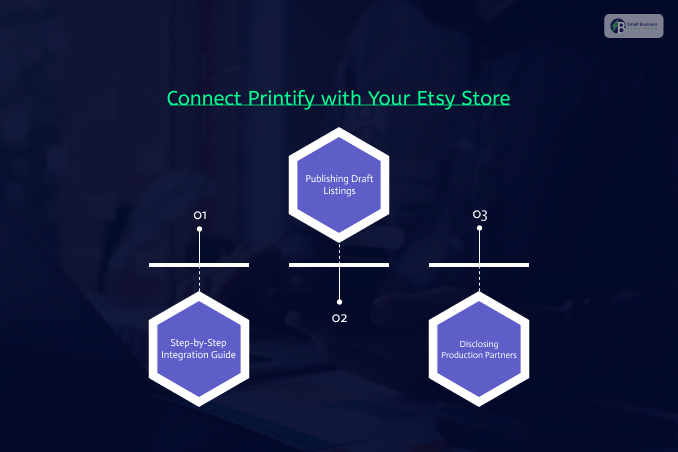
Step-By-Step Integration Guide
Connecting accounts is very easy:
1. Log in to your Printify account dashboard
2. Navigate to the drop-down menu at the top of the screen and click “Manage My Stores”
3. Click “Connect” and select Etsy integration
4. Grant permission for the accounts to communicate with each other when prompted by the website.
Publishing Draft Listings
Once your accounts are connected, any product you customize in Printify can be sent to your store as a draft listing. From there, you can finalize your desired retail price and tweak your listing text before hitting publish.
Disclosing Production Partners
Etsy’s guidelines strictly require sellers to disclose when an external party helps manufacture their items. To be fully compliant, navigate to Shop Manager → Settings → Production Partners and add Printify. Fill in the details, noting that they print and ship your products directly to their customers from their fulfillment centers.
Step 6: Create Profit-Driven Product Listings
To complete your storefront setup, you will need to create your first product listing.
Your first listing will incur a standard $0.20 listing fee that keeps your product live for four months or until it sells out.
Capture Bright, High-Quality Visuals
Since your customer cannot touch, feel, or hold your product on a screen, your photos have to do all the talking.
Upload photos in natural light, and make sure you show the full item, close-ups of relevant details, and a scale photo to show the buyer how big the item is.
Build A Smart Pricing Strategy
Your price should not be the lowest on the search results page. It will only make you poorer, as you will have to work harder to sell the same number of items.
The final selling price must comfortably cover:
The cost of your production materials or Print-on-Demand fulfillment cost.
The cost of shipping materials and protective packaging.
An hourly wage for your time and creative labor.
The flat transaction fees and payment processing costs.
Step 7: Master The Basics Of Shop Optimization And Marketing
Once your storefront is open, you need to teach your customers how to find what you sell.
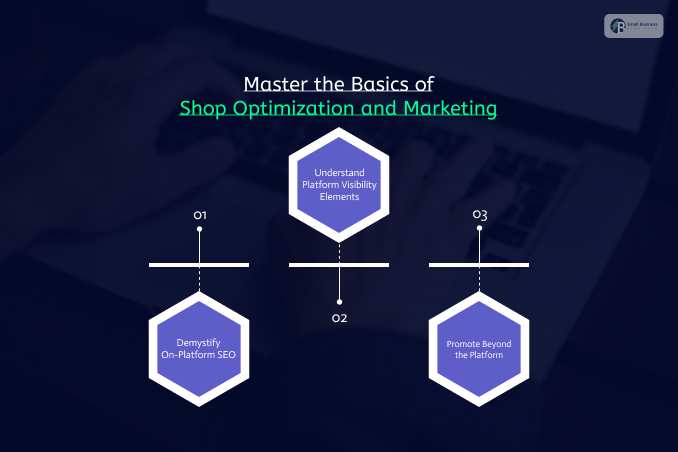
Demystify On-Platform SEO
Search engine optimization simply means making it super easy for the algorithm to understand what your product is about.
Titles: Avoid generic or artistic product names. Instead of naming a product “Midnight Magic – Size M,” write a much more descriptive title such as “Custom Birthday Gift Mug | Personalized Ceramic Coffee Cup for Best Friend.”
Tags: Use all 13 available tags. Use real tags that a human being would type in a search bar describing the materials, target recipients and specific gift occasions.
Understand Platform Visibility Elements
Here is a simplified view of what contributes to a shop’s visibility:
| Optimization Element | On-Platform Search Function | Off-Platform Google Search Function |
| Primary Relevancy | Heavy focus on exact tags, descriptive titles, and item attributes. | High focus on natural keyword placement within listing descriptions. |
| Listing Quality Metrics | Driven by user interactions like clicks, favourites, and completed checkouts. | Driven by comprehensive metadata, page load speeds, and user retention. |
| Customer Experience | Boosted by clear shop policies, a completed About section, and 5-star reviews. | Boosted by clear brand storytelling, site structure, and transparent legal terms. |
| Shipping Performance | Highly prioritizes stores that offer free shipping options to local buyers. | Ranks items based on transparent shipping prices and delivery timeframes. |
Promote Beyond The Platform
Do not rely exclusively on search traffic to bring you business. Pick one social media platform where your target audience loves to spend time—whether that is Instagram, TikTok, or Pinterest—and post content consistently. Share quick videos showing your creative production process, give behind-the-scenes peaks of your packaging routine, and connect directly with your early supporters.
Related Article For You: The Honest Truth About Aaryaeditz Org: It’s NOT What You Think It Is!
Step 8: Understanding Your Fees And Payouts
To run a highly profitable business, you have to track exactly how much money is moving in and out of your platform account.
The Basic Fee Structure
Every seller encounters the exact same standard platform expenses:
Listing Fee: A flat $0.20 cost charged per item, which must be renewed every four months or whenever an item sells out and relists.
Transaction Fee: A 6.5% deduction applied to the total order amount, which includes the item’s retail cost, shipping charges, and any gift-wrapping services.
Payment Processing Fee: In the United States, this is 3% + $0.25 per transaction, though exact rates vary slightly by region.
2. Managing Your Cash Flow
During your initial account setup, you will link a personal or business bank account to receive your earnings.
You can choose to receive your deposits daily, weekly, biweekly, or monthly.
For total beginners, weekly payouts are highly recommended because they provide predictable cash flow and prevent unexpected gaps in your operating balance.
3. Offsite Ads Fees
Etsy automatically advertises your products across major search engines and social media networks.
If a buyer clicks on one of those external ads as well as purchases a product from your shop within 30 days, you have to make a payment on an Offsite Ads fee of 15%.
If your shop crosses $10,000 in annual sales, this fee drops to 12%.
Newer shops earning below that threshold can easily opt out of this advertising channel through their settings panel if they prefer to focus entirely on organic growth.
Also Check: 11 Small Business Advertising Ideas To Grow Your Business
Step 9: Crafting A Trustworthy Storefront Identity
A professional-looking store builds a massive amount of buyer confidence, which is what separates casual hobbyists from highly successful online brands.
Perfecting Your Bio And About Section
Shoppers love buying from real people, not faceless corporations. Navigate to your Shop Manager, click the pencil icon next to your store name, and fill out your profile details.
After that, they will ask you to upload a clear, warm profile photo. Then, you can add a short bio introducing your team members.
Then share a quick story about why you started your store and what makes your products truly special.
Setting Clear Shop Policies
Clear, transparent shop policies set accurate customer expectations and protect your business from shipping disputes.
Use the platform’s built-in policy templates to establish your guidelines regarding order cancellations, item returns, and product exchanges.
Also, clearly state your estimated delivery windows and explain how you calculate domestic and international shipping costs.
Gathering Social Proof
Positive customer feedback is the absolute lifeblood of search visibility. Deliver excellent customer service by:
Responding quickly to buyer messages,
Shipping your packages on time,
Addressing any complaints with a warm, helpful attitude.
As your store accumulates positive 5-star reviews, the platform’s algorithm will naturally reward your listings with higher search rankings.
Step 10: Building Long-Term Growth And Activity
The final phase of your journey involves maintaining your store’s digital momentum so that sales continue to climb consistently over time.
The Importance of Regular Activity
Search algorithms highly favor active, well-maintained storefronts. You don’t have to list 50 products at once and walk away.
Instead, try publishing a few new items every week. Regularly refresh older listings by updating outdated photos, testing fresh keyword tags, and refining descriptions.
Base this on what your shop analytics show is working best.
Leveraging Dedicated SEO Tools
As your store expands, you can utilize advanced external software platforms to complete deep keyword research and outpace your competitors.
Tools like eRank and Seller Way offer great free-tier options for beginners.
Other platforms like Marmalead and Sale Samurai offer deep data insights into which search terms carry high traffic volumes and low seller competition.
Staying Patient Through The Early Phase
If you are a total beginner, it is completely normal for it to take several weeks or even months to secure your very first sale.
The platform’s search crawler requires time to test your product listings against real customer habits. Stay consistent, continue sharing your store link across your social media channels, and focus on steady improvement rather than immediate perfection.