
Table Of Contents
- Best AI Video Generators: A Quick Glance
- The Top 10 AI Video Generators Reviewed!
- 1. Magic Hour
- Pros
- Cons
- Evaluation
- Price And Plans
- 2. Runway (Gen-3 Alpha)
- Pros
- Cons
- Evaluation
- Price And Plans
- 3. Pika 2.0
- Pros
- Cons
- Evaluation
- Price And Plans
- 4. Seedance 2.0
- Pros
- Cons
- Evaluation
- Price And Plans
- 5. HeyGen
- Pros
- Cons
- Evaluation
- Price And Plans
- 6. Synthesia
- Pros
- Cons
- Evaluation
- Price And Plans
- 7. Luma Dream Machine
- Pros
- Cons
- Evaluation
- Price And Plans
- 8. Kling AI
- Pros
- Cons
- Evaluation
- Price And Plans
- 9. Kaiber
- Pros
- Cons
- Evaluation
- Price And Plans
- 10. ElevenLabs Studio
- Pros
- Cons
- Evaluation
- Price And Plans
- How I Chose And Tested These Tools?
- The Market Landscape And Future Trends
- Final Takeaway: Which Tool Fits Your Needs?
- Frequently Asked Questions (FAQs):
Best AI UGC Ad Generators in 2026
Last Updated on: June 8th, 2026
The world of generative video tools has moved from mere experimentation to an essential component of the modern creative community.
But choosing the right platform is extremely crucial. Especially, if you are willing to scale the content production, build marketing assets, or prototype video concepts.
As part of the digital marketing field with an engineering background, I am naturally obsessed with how we can bridge tech and creativity to optimize content workflows.
But let’s be honest for a moment, in most cases, these AI tools force us to compromise.
You either have to sacrifice realistic human movement or give up on the editing part just to get a fast render.
So, I wanted to see where we can do better.
So, here I am after spending three weeks testing the leading platforms of AI UGC Ad Generators to help you make a practical decision for the ultimate brand growth strategies.
I guarantee that at least one of these tools will definitely meet your needs. So, read this breakdown of the best AI video generators that are available today!
Best AI Video Generators: A Quick Glance
Before we jump into learning about the top 10 AI UGC ad generators, let’s take a quick look at what these tools are all about!
| Tool | Best Use Case | Primary Modalities | Platforms | Free Plan? |
| Magic Hour | All-in-one content creation | Text-to-Video, Video-to-Video, Animation | Web | Yes |
| Runway (Gen-3) | Cinematic VFX & Hollywood styling | Text-to-Video, Image-to-Video | Web, iOS | No |
| Pika 2.0 | Micro-animations & physics control | Text-to-Video, Image-to-Video | Web, Discord | Yes |
| Seedance 2.0 | Start/End frame consistency | Image-to-Video | Web | No |
| HeyGen | AI avatars & localized corporate video | Text-to-Avatar, Translation | Web | Yes |
| Synthesia | Corporate training & presentation decks | Text-to-Avatar | Web | No |
| Luma Dream Machine | Rapid camera movements & 3D realism | Text-to-Video, Image-to-Video | Web | Yes |
| Kling AI | High-fidelity human motion & physics | Text-to-Video, Image-to-Video | Web, Mobile | Yes |
| Kaiber | Artistic style transfer & music videos | Video-to-Video, Audio-to-Video | Web, Mobile | No |
| ElevenLabs Studio | Audio-driven cinematic scenes | Audio-to-Video, Voice Synthesis | Web | Yes |
The Top 10 AI Video Generators Reviewed!
When you are planning to execute high-performing brand growth strategies, you have to choose the right platform.
I tested the leading video engines below for prompt fidelity, temporal consistency, and processing speed. Let’s take a deep dive into it!
1. Magic Hour
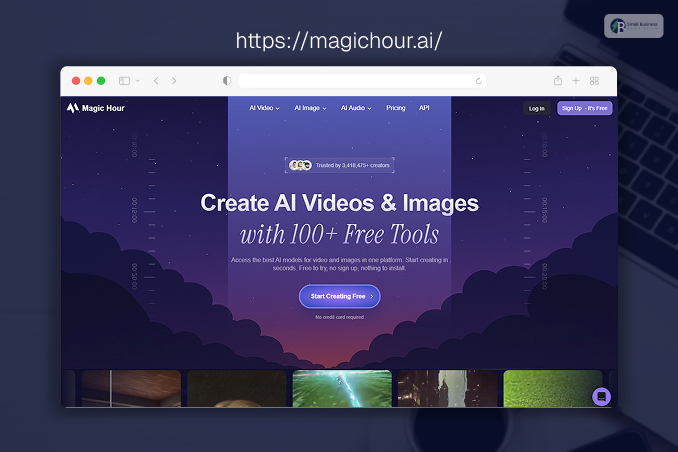
Magic Hour stands out as the most versatile, developer-friendly, and creator-focused platform on the market today.
It brings complex open-source video models together into a highly accessible web interface.
So, the platform handles multi-modal workflows seamlessly, whether you need an AI image editor to prep assets or want to turn static graphics into motion using image-to-video AI.
It provides hyper-realistic outputs across diverse styles. As a user, you can generate video clips, face swap edits, and even generate memes.
The platform can deliver a flawless result.
Meanwhile, the integrated lip sync AI ensures dialogue aligns perfectly with target actors or avatars. It is a comprehensive production suite built for modern digital workspaces.
Pros
- You can get an exceptional modularity combining video-to-video, text-to-video, and avatars.
- High-fidelity character preservation across distinct scenes.
- Faster rendering times than competing consumer platforms.
- Native integration of audio syncing and canvas editing tools.
Cons
- The extensive feature set presents a brief learning curve for absolute beginners.
- Highly advanced stylistic modifications require precise prompting.
Evaluation
If you want a unified platform that eliminates the need for four separate subscriptions, Magic Hour is hard to beat.
It balances developer-level control with a clean UX that maximizes raw output speed.
Price And Plans
- Free Plan: Available with limited generation credits. Here you will get 400 credits.
- Creator Plans: Start at $15/month or $10/month if billed annually, for advanced features and more credits. However, it does not support priority. This includes 10,000 credits per month.
- Pro plans: These start at $39/month or $25/month if billed annually and include the same support as the creator plan.
However, here you can access support priority. Here, you can get 25,000 credits.
- Business plans: This is specifically for teams, agencies, and high-volume content.
Pricing starts at $90/month. As for the features, they are just the same as the previous ones. However, you can get 70,000 credits.
2. Runway (Gen-3 Alpha)
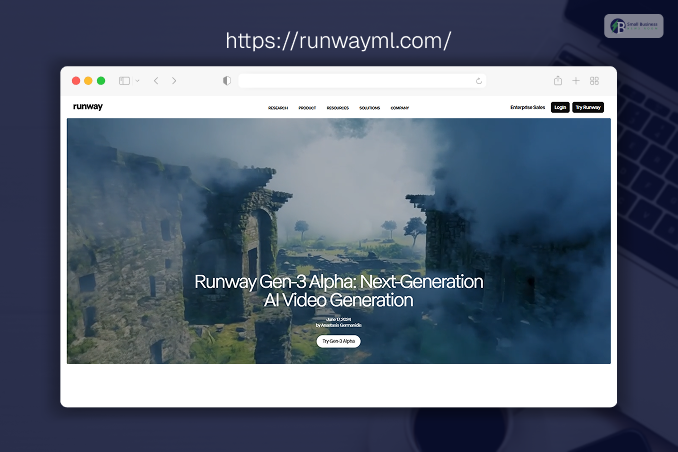
If you are looking for high-end cinematic visuals along with precise VFX direction, in that case, Runway (Gen-3 Alpha) always remains the primary choice for you!
Now, its Gen-3 Alpha model can offer you unprecedented control over camera angles. Along with that, you can also get better lighting conditions and film styles.
Moreover, the platform serves creative agencies and filmmakers who require specific aesthetic outputs rather than quick social media assets.
Pros
- Firstly, you can find industry-leading control over film aesthetics and precise cinematic lighting.
- The platform can offer you excellent camera motion prompting using descriptive director terminology.
- You can also have a deep suite of supplementary brush tools for selective image editing.
Cons
- Subscription costs scale up quickly for high-resolution render queues.
- Generation times slow down significantly during peak global usage hours.
Evaluation
Runway is ideal for professional production teams looking to create mood films.
Alongside that, the teams also get features, b-roll, and background visual effects.
Moreover, it functions best in the hands that understand traditional cinematography concepts.
Price And Plans
- Free: This is for those who just want to explore AI tools. Here, you will get 125 credits.
- Standard: $12 per user/month. This mode can be ideal for individuals and small teams seeking better access. You can get 625 credits in a single month.
- Pro: $28 per user/month for unlimited relaxed generations. Individuals and small teams can also choose this option if they are willing to add all the Runway features.
This includes 2250 credits monthly.
- Max: $76 per user/month. This is the best value for heavy use of the Runway AI tools and experimentation.
3. Pika 2.0
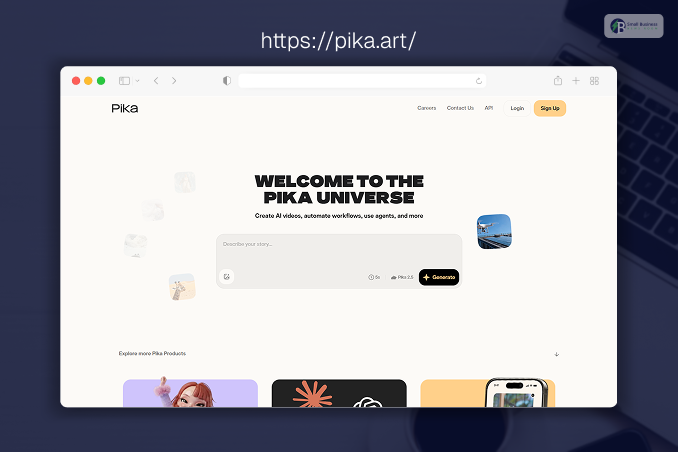
Pika 2.0 specializes in micro-animations, object manipulation, and playful physics controls.
The platform excels at modifying specific parts of an existing video. You can change a clothing item or may crush an object through their specialized digital physics engines.
So, it is safe to say that it caters heavily to social media marketers and meme creators.
Pros
- Firstly, these tools provide intuitive regional editing to modify isolated pixels within a frame.
- Secondly, you can explore fun preset physics effects, such as melting, exploding, or crushing objects.
- The platform has a lower barrier to entry with a straightforward, distraction-free interface.
Cons
- Struggles to maintain structural realism during long, complex human movements.
- Max-resolution outputs occasionally look softer than those of cinematic competitors.
Evaluation
Pika 2.0 is your best option if your workflow relies heavily on modifying existing footage or adding sudden, surreal movements to static product photos.
Price And Plans
- Free: Basic access with daily credit renewals. You can get 80 credits in a month.
- Standard: $10/month. Here, you can get 700 credits along with better rendering time and advanced features.
- Pro: $35/month for commercial usage rights. This plan will offer you 2300 credits per month, along with features such as rendering queues and watermark-free downloads.
- Fancy: $95/month. If you opt for this plan, you will get 6000 credits each month. This is suitable for agencies and marketers who seek maximum capacity.
4. Seedance 2.0
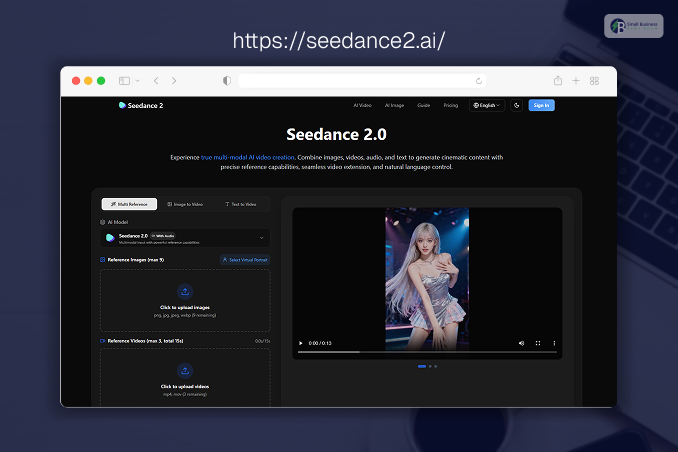
Seedance 2.0 provides precise control over character consistency. They mainly use the start and end frame parameters.
Moreover, it allows creators to input two distinct images and further animate a logical transition between them. The platform also allows you to minimize random frame transformations.
Pros
- First, the platform can provide you with accurate point-to-point animation control using reference images.
- Secondly, it retains clothing patterns and character dimensions across movement sequences.
- Also, it has a fast turnaround time for generating precise web banners and display graphics.
Cons
- The platform does not offer a free access tier.
- Struggles to build abstract environments without sharp structural boundaries.
Evaluation
Seedance 2.0 is a highly effective tool for e-commerce marketers who need product models as a part of their brand growth strategies.
This further helps them to move predictably while preserving item textures and brand dimensions.
Price And Plans
- Basic: $5/month. This is best for first-time creators. The plan includes approx. 70 credits per month. Moreover, you can get parallel generations for up to 2 videos or images.
- Plus: $39/month. This plan is designed for consistent content creation. You can get 1,000 credits each month, along with access to Supercomputer generation and parallel generations.
- Ultra: $99/month. This is the most popular tier for builders. You can get up to 9,000 credits per month, along with all the possible advanced features.
5. HeyGen
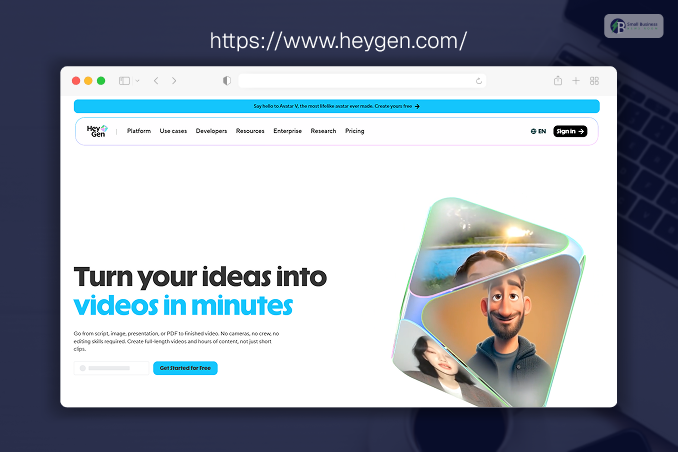
HeyGen focuses heavily on three specific areas as part of its brand growth strategies: corporate communications, personalized sales outreach, and automated localization.
Moreover, the platform creates hyper-realistic human avatars from text scripts.
It further translates existing presentations into dozens of global languages with matching mouth movements.
Pros
- Firstly, you can enjoy Flawless voice cloning and multilingual lip-syncing through their lip sync AI model.
- Secondly, the platform can offer you a massive library of studio-grade human avatars. You can just match them based on diverse demographics.
- The platform also has direct integrations with CRM platforms. This can help you to automate personalized video emails.
Cons
- Creative control over stylized backgrounds and abstract art is highly limited.
- The processing engine feels rigid if you step outside corporate presentation templates.
Evaluation
HeyGen is the top tool for marketing, sales, and HR departments that want to scale human-facing video content. And they do not even have to rent a studio or hire on-camera actors.
Price And Plans
- Free: You can generate 3 videos per month, and each video can be up upto 1 min.
- Creator: $29/month for 600 available credits. It has all the advanced features, such as voice cloning.
- Pro: $49/month for collaborative workflows. The plan can offer you 1000 credits each month, along with 4k export or quick video processing.
6. Synthesia
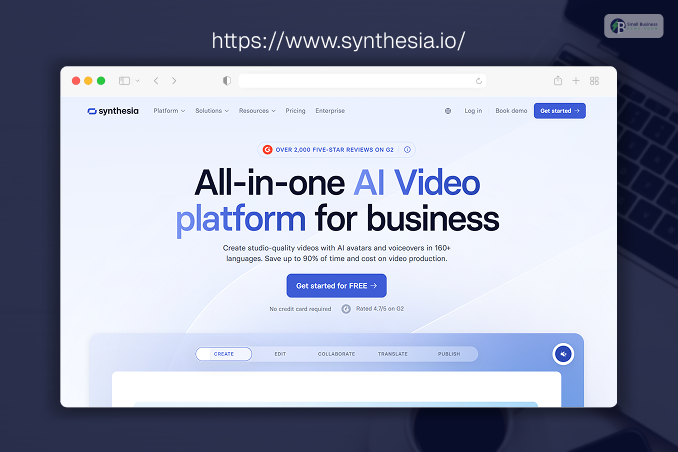
If you want to turn boring training decks or knowledge bases into something engaging, Synthesia is the enterprise standard. Moreover, the platform also allows you to turn text manuals into engaging corporate videos.
Like HeyGen, it centers around AI avatars. However, it strongly prioritizes structured workspace collaboration along with slide-based editing.
Moreover, they also focus on deep corporate security compliance.
Pros
- You can find a clean, PowerPoint-style interface. This way, you would require zero video editing experience.
- Secondly, they can offer you outstanding text-to-speech engines with highly natural corporate inflections.
- Even SOC 2 compliance and robust security protocols ensure better protection of sensitive internal company data.
Cons
- Avatars can feel slightly stiff if used for high-energy promotional marketing.
- No native support for abstract text-to-video or cinematic world-building.
Evaluation
Synthesia is the ultimate solution for learning and development. The tools can fulfill the need to update hundreds of internal training videos instantly. You can simply edit a text document.
Price And Plans
- Starter: $22/month for individual creators.
- Creator: $67/month for expanded video allocations.
- Enterprise: Custom configurations based on seat requirements.
7. Luma Dream Machine

Luma Dream Machine is built on a highly capable neural network. The platform prioritizes fast rendering and dramatic camera sweeps.
Now, here comes the specialty of this tool: It interprets natural-language prompts to create high-action sequences, fast pans, and accurate 3D perspectives. These videos can match those of real camera rigs.
Pros
- Firstly, the platform allows you to execute outstanding, fast, complex camera tracks and spatial depth.
- You can also opt for rapid asset generation times. This can keep creative workflows moving smoothly.
- The completely free tier allows significant testing before financial commitment.
Cons
- Human faces can distort during erratic or high-speed bodily rotations.
- Text rendering within generated videos frequently appears garbled or inaccurate.
Evaluation
You can choose the Luma Dream Machine if it meets your requirements. The platform can ensure content with fast-paced movement or sweeping drone perspectives.
Not only that, but you can also get the highly dynamic action scenes that require accurate three-dimensional space interpretation.
Price And Plans
- Free Tier: You can get a limited number of monthly credits with unlimited usage. Moreover, the platform can also offer you lower-priority processing.
- Web Lite Plan: $9.99/month. Here, in this plan, you can get 3200 monthly credits along with high-priority processing. However, this is for non-commercial use only.
- Web Plus Plan: $29.99/month. This is for commercial rendering priority. Here you can get 10000 credits along with no watermarks and high-priority processing.
- Web Unlimited Plan: $94.99/month. This plan can offer you 10000 monthly credits for the fast mode. If you opt for the relaxed mode, you can get unlimited credit.
8. Kling AI
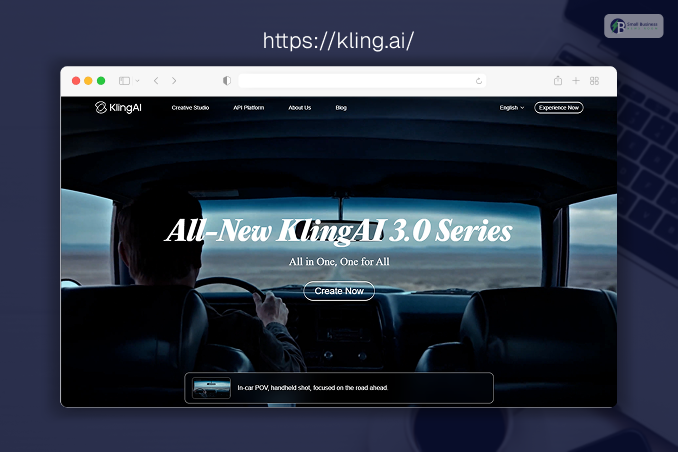
Kling AI offers deep competition in the hyper-realistic human motion category.
It models physical properties accurately. Thus, this is what makes it a reliable tool for generating scenes.
Here, the characters interact with food, clothing, or environment surfaces without unnatural visual artifacts.
Pros
- First things first, the superb depiction of limbs, hands, and complex human joints in motion.
- Secondly, it also supports high-definition widescreen formats up to 1080p natively.
- After that, the advanced camera controls allow fine-tuning of pans, tilts, and zooms.
Cons
- Global server demand occasionally causes long queues for non-paying tiers.
- Prompting requires direct, literal descriptions to avoid stylistic confusion.
Evaluation
Kling AI is highly recommended for indie filmmakers and content creators. This way, the creators can make their characters perform specific physical actions.
This includes realistically walking, eating, or manipulating handheld objects.
Price And Plans
- Free Tier: With this plan, you get standard generation speed and limited video duration. The plan also includes 66 free credits.
- Standard plans: $6.99–$10 / month. This price depends on compute needs. This specific feature removes the watermark and further allows commercial use.
- Pro plans: $25.99–$37 / month. Here, you can get 3000 credits each month, along with all the available advanced features.
- Premier plans: $64.99–$92 / month. The plan offers 8000 credits for a month, along with unlimited task queuing. You can also get access to advanced tools like AI Multi-Shot.
9. Kaiber
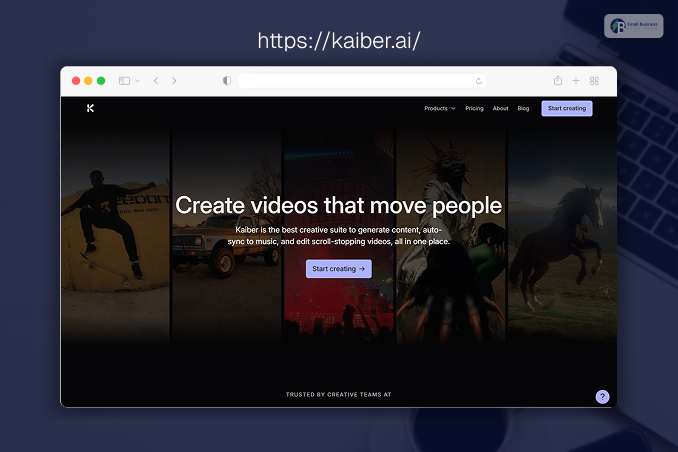
Kaiber targets artists, musicians, and creative directors who want striking, stylized animation.
Moreover, it specializes in audio-to-video reactive generation and further transforms background beats and melodies into morphing visual art styles.
This also ranges from cyberpunk to classic oil painting.
Pros
- Firstly, you can find the exceptional audio reactivity that syncs visual pulses directly to music tracks.
- It also has a deep library of artistic, illustrative, and abstract style presets.
- Lastly, you can use a great video-to-video transformation feature to change the style of live-action footage.
Cons
- Poorly suited for generating realistic corporate environments or photorealistic humans.
- The shifting, morphing nature of the animation can cause visual fatigue if overused.
Evaluation
Kaiber is the best choice for music videos, Spotify Canvas loops, concert visuals, and experimental creators who prefer distinct artistic expressions over raw realism.
Price And Plans
- Free: In this plan, you get 50 starting credits, 2 canvases, and 1 GB of storage.
- Explorer: $5/month for basic access. Here, in this plan, you can get 300 credits along with 1 hour video limit.
- Pro: $29/month for expanded credit balances and higher resolution options. You can get 1400 monthly credits along with 15 GB of storage.
10. ElevenLabs Studio
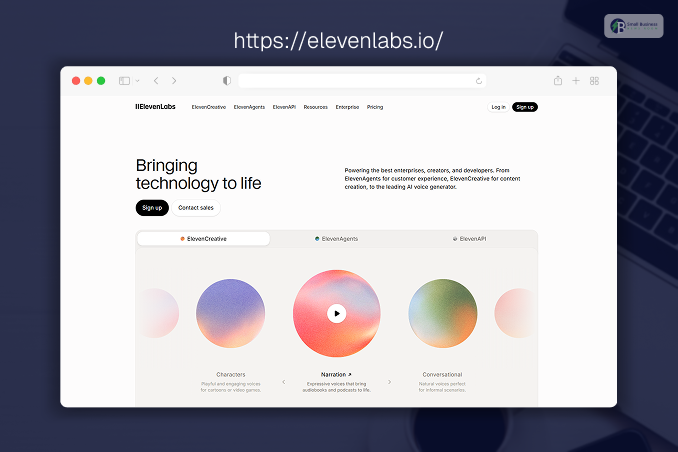
ElevenLabs, known for industry-standard audio, has expanded into audio-driven video synthesis.
Moreover, ElevenLabs Studio allows users to generate cinematic clips. Here, the primary driver of the scene is the underlying audio track, sound effects layer, or voice clone.
Pros
- You can find the best-in-class audio integration. This ensures realistic physical reactions to sound.
- Secondly, the platform can offer you unmatched voice synthesis quality that anchors the video asset’s emotion.
- Lastly, you can also use the streamlined script-to-scene generation pipeline for episodic narrators.
Cons
- The visual engine relies heavily on external foundational models, which limit certain spatial adjustments.
- Video length options are shorter compared to dedicated graphic-first networks.
Evaluation
ElevenLabs Studio is perfect for solo podcasters, audiobook creators, and narrative documentary channels.
They can start their creative process with voiceovers and sound effects rather than visual prompts.
Price And Plans
- Free: Generous voice options with basic video generation access.
- Starter: $5/month, including 10,000 credits and all basic features for commercial use.
- Creator: $22/month for high-volume audio and video generation credits. This plan can offer you 100000 credits with high-quality audio and better voice cloning.
How I Chose And Tested These Tools?
To build this guide, I established a rigorous testing methodology based on real-world workflow demands.
Every tool listed was evaluated firsthand across three specific core benchmarks:
- Prompt Fidelity: How accurately does the AI translate a literal text prompt into the final frame without adding random visual artifacts?
- Temporal Consistency: Does the video stay stable from frame 1 to frame 90, or do the backgrounds and character faces morph unnaturally?
- Render Efficiency: How long must a creator wait for a 5-second clip to render during a standard working day?
I utilized standard hardware environments to test web interfaces and evaluated API integrations using uniform prompts across text-to-video and image-to-video tasks.
The Market Landscape And Future Trends
The AI video landscape is moving rapidly toward total multi-modal synchronization. So, we are moving away from isolated single-purpose apps.
Today, users are largely focused on platforms that can simultaneously ingest images, text, and audio to produce unified, editable scenes.
Furthermore, local hardware boundaries are dissolving.
So, the cloud infrastructure now permits immediate generation speeds. This is what makes rapid iteration standard practice for creative teams.
The major shift in 2026 centers on localized control. The creators want to pinpoint specific regions of a video and edit assets at a granular level rather than rolling the dice on entirely new generation prompts.
Final Takeaway: Which Tool Fits Your Needs?
Before you start looking for the best AI video generators to improve your brand growth strategies, I would suggest you do one thing: experiment.
Every single tool that I have listed here comes with a free feature. So, you can just try them and see which model best interprets your specific workflows.
| Platform | Best Use Case | Key Capabilities | Target Audience |
| Magic Hour | All-in-one suite | Video-to-video, face swaps, animations, high-performance editing | Multi-channel creators, lean digital studios |
| Runway / Seedance 2.0 | Cinematic production | Hollywood-grade visuals, advanced VFX, complex physical-world modeling | Filmmakers, creative directors, VFX artists |
| HeyGen / Synthesia | Corporate operations | Scale presentation decks, HR onboarding, localized sales outreach | Enterprise teams, HR, and B2B sales managers |
| Kaiber | Creative artistry | Artistic expression, music-synced animations, and abstract stylization | Musicians, visual artists, music video directors |
Always remember one thing: choose the right tool that can not only save you time but also deliver high-quality output. So, keep trying out the free tools until you find your one.
Frequently Asked Questions (FAQs):
People are curious about AI video generators and how they work in the content creation field. Here are the most common questions about these tools in 2026:
Answer: Most tools generate 5 to 15 seconds per clip, but advanced platforms like OpenAI Sora can create continuous, matching video scenes up to 60 seconds long.
Answer: They can turn text into video, animate static photos, swap faces, sync realistic lip movements with audio, and instantly change the visual style of existing film clips.
Answer: No, you do not need prior experience because these tools use simple text prompts, automated templates, and easy drag-and-drop screens to build your videos.
Answer: Magic Hour is the best all-in-one platform to start with, while tools like Luma Dream Machine and Pixlr offer simple web setups for beginners.